Activities and workflows
Follow the assigned activities and move business processes forward even outside the office.
Activities, approvals and business processes follow you outside the office too. With the native iOS and Android app you bring the VISYUM ecosystem to your smartphone, with the continuity of an integrated platform.
VISYUM App included in the packages · App Customer on request
The power in your pocket, with maximum security.
A few examplesFrom sales opportunities to field activities: explore an operational screen for each package.
Opportunity statuses and pipeline value.
Discover VISYUM CRM →| PLANNED | ACTUAL | VAR.. | |
|---|---|---|---|
| HOURS | 720 | 705 | +15 |
| PLAN. | ACT. | VAR.. | |
|---|---|---|---|
| MATERIALS | €9800 | €9650 | €150 |
| LABOR. | €18,000 | €17,200 | €800 |
| CAPITAL GOODS. | €1800 | €1750 | €50 |
| OTHER | €3200 | €3200 | €0 |
Hours, planned and actual costs in the project card.
Discover VISYUM Commesse →The calendar of records and work reports.
Discover VISYUM HR →Technicians' activities and the status of interventions.
Discover VISYUM Manutenzioni →Courses, medical checkups and PPE under control.
Discover VISYUM Safety →Representative screens taken from the package pages, with demo data. Interface and available functions depend on the version, the packages activated and the account's permissions.
Follow the assigned activities and move business processes forward even outside the office.
Scheduling, checklists, customer signature and clock-in for field technicians.
Attach documents and photos directly to the activity or intervention you are working on.
Receive notifications and manage approvals of your processes on the move.
The available features depend on the packages and processes activated.
Download the app and choose the path that suits you.
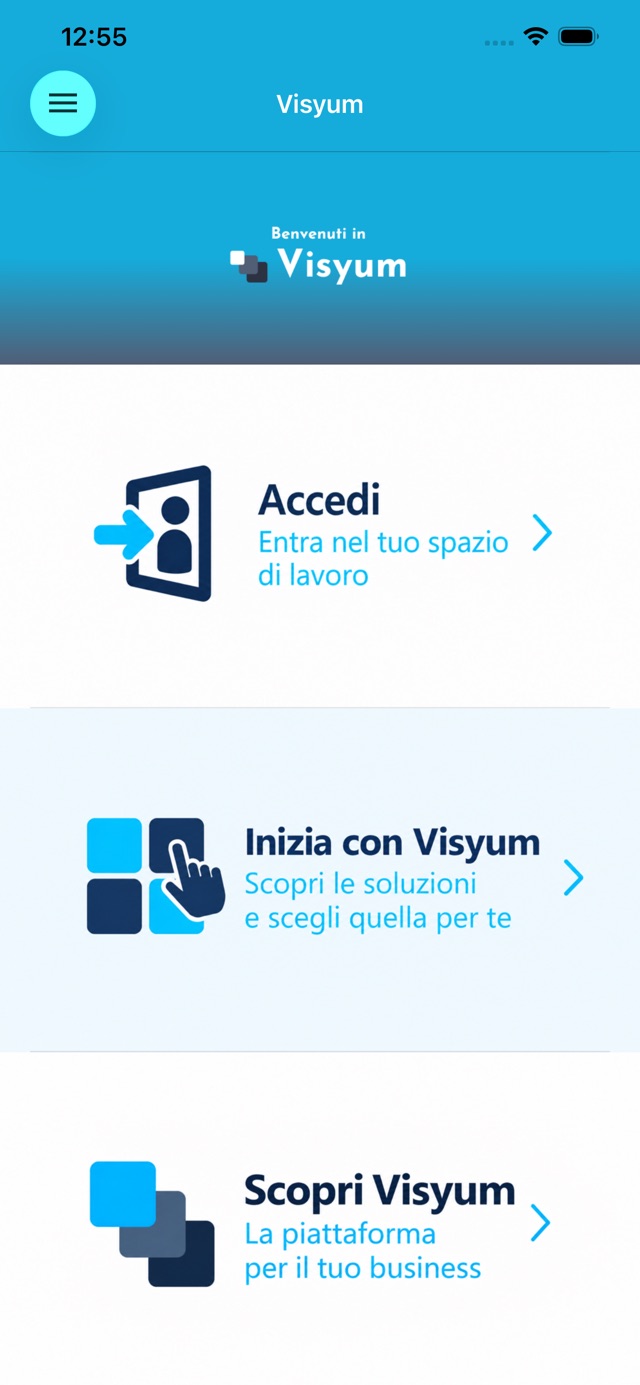
From the app home, start the path to discover and choose the solutions.
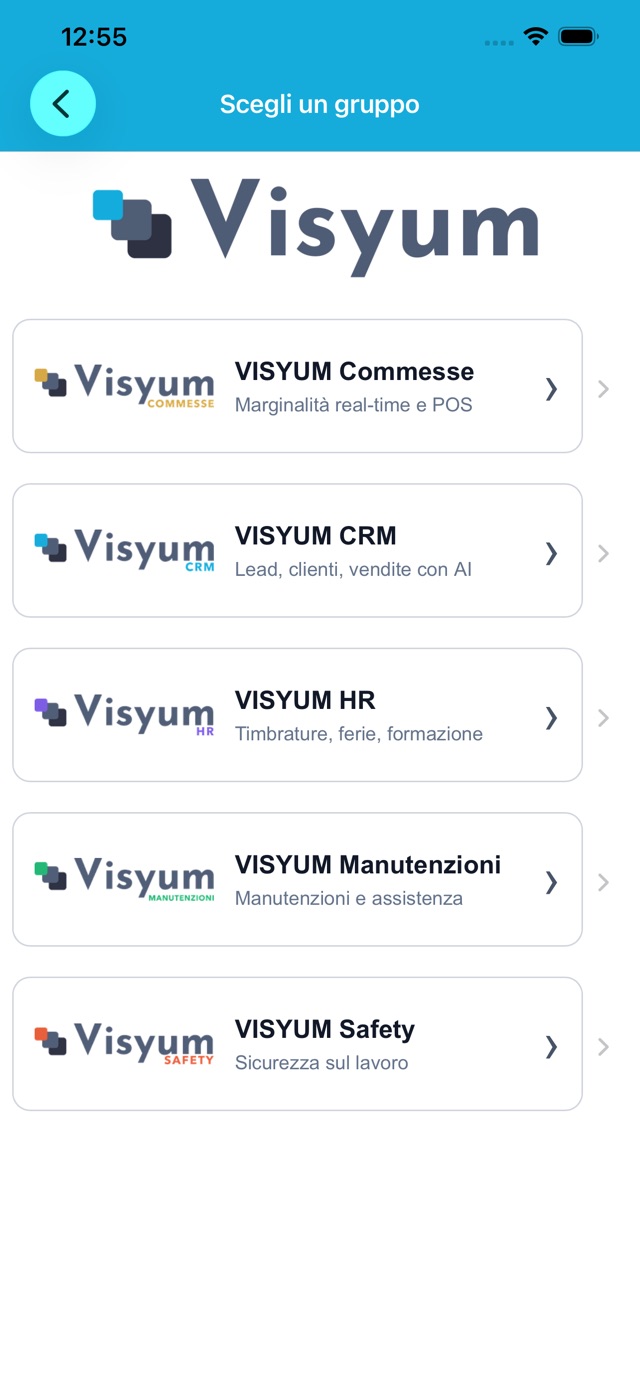
Select the solution for your company and configure the proposed options.
Enter your email and the requested details, review the summary and follow the confirmations provided by the chosen path.
Once activation is complete, use your account credentials to enter the new environment from the app.
From the app home, go to the sign-in for your workspace.
Use the username and password of the account you use to sign in to VISYUM.
You'll find the activities and functions enabled for your account in the company environment.
Role and permissions are those assigned in the VISYUM environment. If you need to access a company's environment, ask its administrator to enable your account.
Start from the VISYUM App included in the packages or choose the Customer version to give your app your company's identity.
 Included in VISYUM packages
The reference app of the ecosystem. The direct way to use VISYUM from your smartphone too, with the VISYUM brand.
The value of the VISYUM ecosystem with an identity that speaks for your company. A dedicated version for those who want an app with their own brand.
Request a dedicated proposal.
Yes. The VISYUM App is the default app included in VISYUM packages. The available features depend on the packages and processes activated.
The Customer version is available on request and customizes the app's identity with the customer's name, logo and color, while keeping the integration with the VISYUM ecosystem.
It is available on the App Store for iOS and on Google Play for Android. You'll find the direct links and the QR code in the download section below.
The native iOS and Android app is fully integrated into the Visyum ecosystem. Follow activities, manage approvals and work on your processes with built-in AI, on the move too.
Download the app →